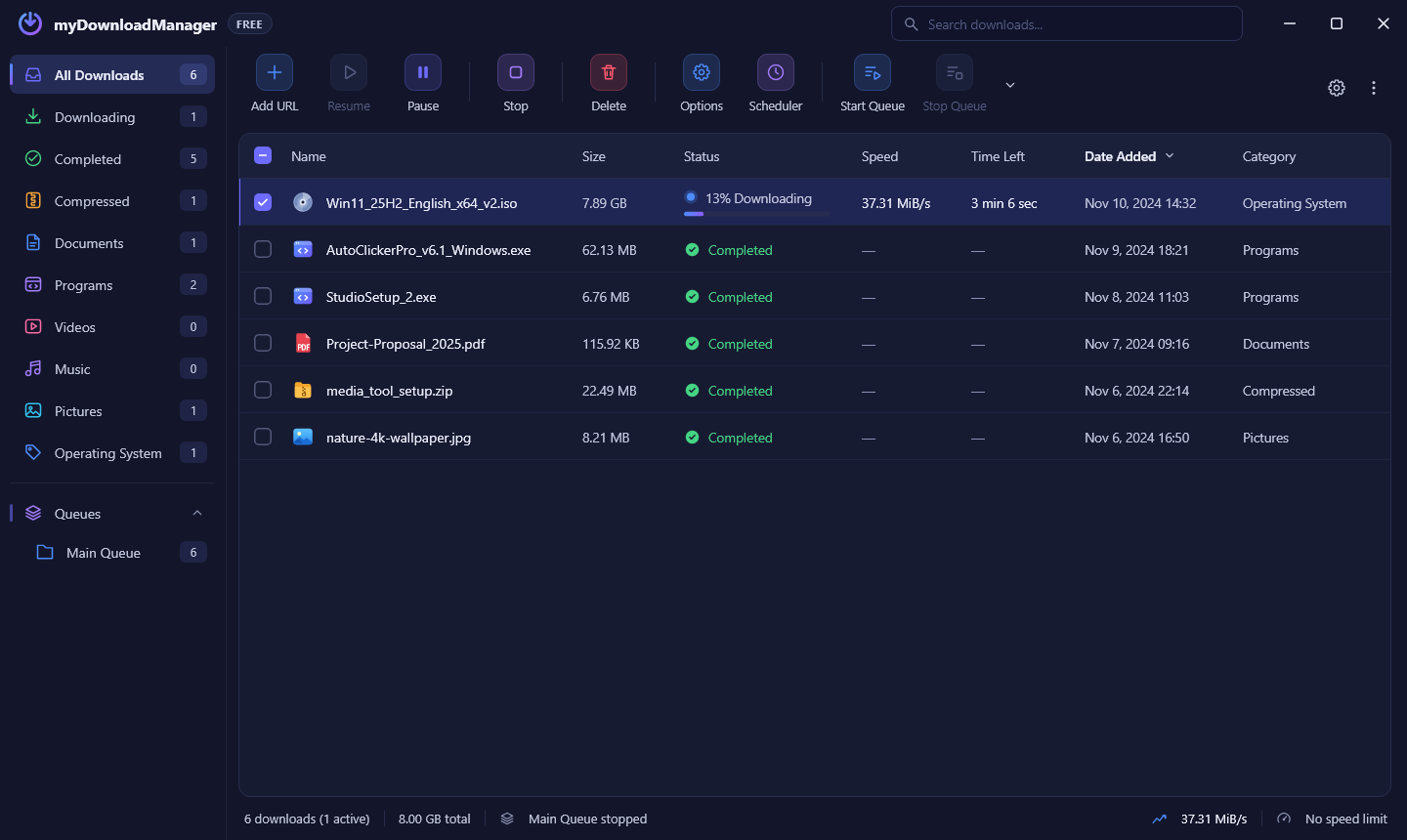
myDownloadManager downloads files over many connections at once, pauses and resumes them even after a restart, sorts them into categories, and runs a queue on a schedule. The browser extension (Chrome, Edge, Brave, Vivaldi, Opera, Firefox) hands downloads and web video to the program.
功能
Segmented downloads that pause and resume, with progress while the parts are joined
Takes downloads from the browser, and a download button on web video
Categories, a main queue, checksum verification and ten themes
Free: 8 connections, two at once, video up to 720p · Full: up to 256 connections, eight at once, video up to 8K and a scheduled queue
Torrents and magnet links, with sharing limits and an optional magnet/.torrent handler.
Link Grabber: many links as packages, archives extracted when complete.
Hold downloads to one network adapter (a VPN) with a kill switch.
The server's address and country in the progress window (IP Geolocation by DB-IP).
mdm.exe command line, IDM-style switches and an MCP server for AI assistants.
The Chrome Web Store extension is accepted; Settings > Appearance scrolls.
The launch drawing check reports only when icons fail to draw.
The download window is one row taller, so the progress bar and the last row fit again.
版本 2026.0.1106.15532026年11月7日
Several queues: the Main Queue plus up to 7 of your own, each with its own name, schedule and what happens when it finishes. The queue buttons, Scheduler and Download Later act on the queue chosen in the sidebar.
Site rules (Settings > Sites): connections, simultaneous downloads and a shared speed limit for one site. The speed limit is part of Full.
List density: compact, comfortable or spacious rows.
About has a button that sends the drawing report only when pressed.
A downloaded Setup whose version is not the one the website announced is discarded instead of installed.
Icons, the logo and the Thai typeface are now inside the program. Earlier builds read them from the build computer's source folder while drawing, so on every other PC the toolbar showed empty squares and the sidebar, logo and window buttons had no icons, whatever the renderer.
The renderer is chosen by the program every time (software by default). A copy started by an update Setup no longer inherits the renderer the old version had set.
The one-time icon-drawing report is now filed under myDownloadManager instead of myMacro.
Downloads from the browser keep the server's file name (Content-Disposition, or the address after redirects) when the
browser has not named them yet, so Cloudflare WARP is "Cloudflare_WARP_2026.8.2100.0.msi" instead of "2026.8.2100.0"; a second copy is numbered before the real extension.
Fixed blank icons and doubled text on PCs with a weak OpenGL driver (Skia renderer, as in myTubeDownloader).
A new Setup card with live progress, Thai/English and light/dark; updates show it in the program's theme and language.
The extension from Microsoft Edge Add-ons connects to this version.
**Fixed blank icons and doubled text on PCs with a weak OpenGL driver: the program now draws with Skia (Direct3D, or software), as myTubeDownloader does.
**A new Setup card, as in myTubeDownloader: rounded card with the logo and live progress, Thai and English, light and dark, install, update, repair, finished and error pages, and a SHA-256 check of the embedded installer. Updates from the program show the update card in the program's theme and language and reopen the program. A first install no longer turns on start with Windows (Settings > General does).
**The extension from Microsoft Edge Add-ons connects to this version.
**Included since 2026.0.1004.1602 but not listed there: downloads from the posts in social media feeds, sign-in for video posts, TikTok downloads, Vimeo, reasons in the browser's language, and right-click to download a picture.
In-app updates install again: Setup waits for the program to close (up to a minute) and closes it if it hangs, so copies of 2240, 2335 and 1733 update to this version.
Check for updates in the ⋮ menu and in About: asks the website at once, says what it found, and brings back a version whose banner was put off.