
myMedia Player
A video and music player that opens almost any file, no codecs to install
FreeWindows
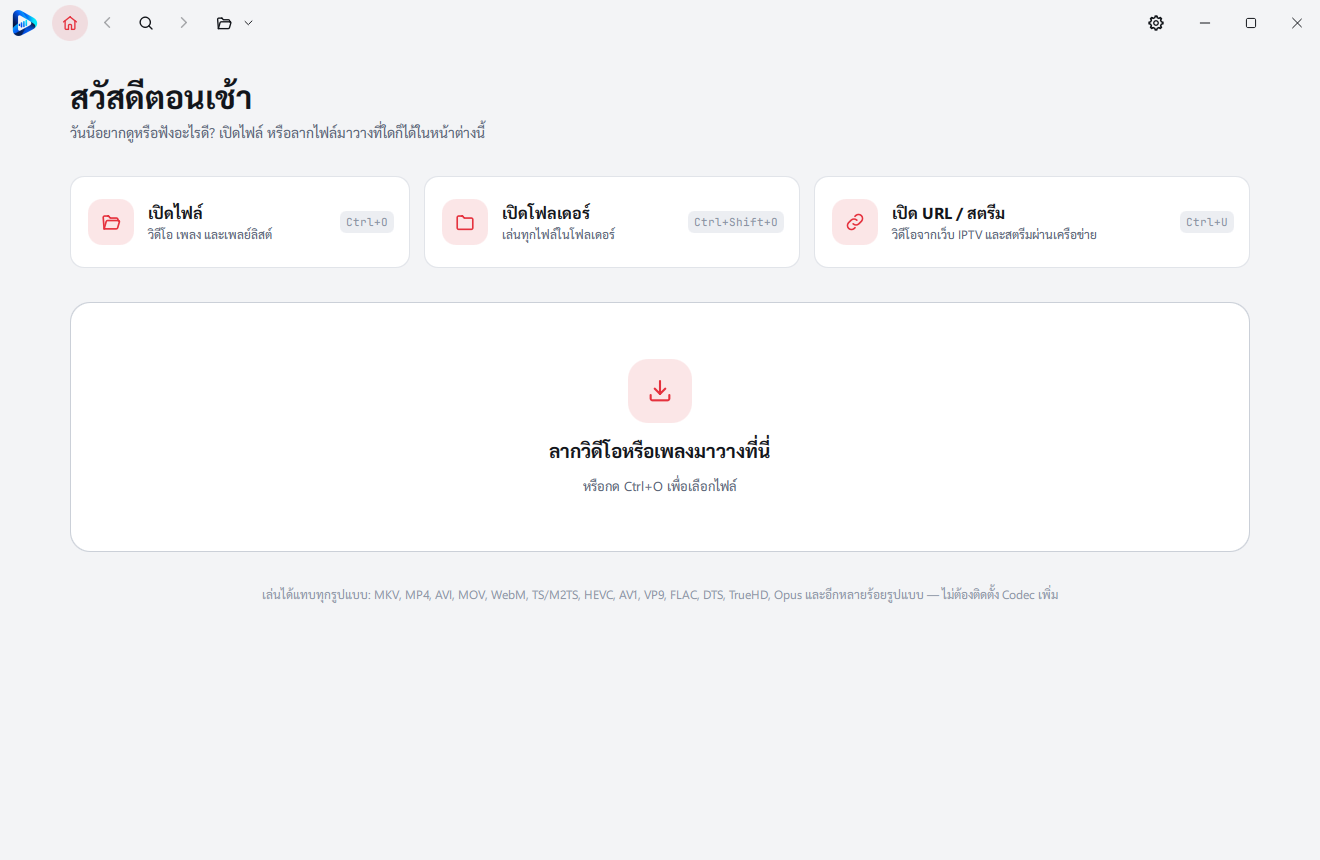
О программе myMedia Player
myMedia Player plays video and music with mpv, so it opens almost any file without installing codecs. It plays files, folders and URLs or streams, sizes its window to the video, and hides its title bar while you watch. Free to use.
Installing on a Mac (beta)
The Mac version is a beta and is not signed with Apple yet, so macOS will not open it the first time. Allow it once:
1. Download macOS (Beta) from the download box on this page.
2. Open the .dmg file and drag myMedia Player into the Applications folder.
3. Open myMedia Player from Applications. macOS says Apple could not verify it: click Done (not Move to Trash).
4. Open System Settings › Privacy & Security, scroll down to the message that myMedia Player was blocked, and click Open Anyway.
5. Enter your password or use Touch ID, then click Open Anyway again.
After that it opens normally. The Open Anyway button stays for about an hour after you try to open the app; if it is not there, open the app again first.
If macOS says the app is damaged, or it still will not open, open Terminal, paste this command, press Return and open the app again:
xattr -dr com.apple.quarantine "/Applications/myMedia Player.app"
The beta does not update itself (Check for updates always says you are on the latest version). Look for new versions on this page: download the new file, drag it over the old app in Applications and allow it again as in steps 3–5. Report Mac problems through this site's contact page.
Возможности
- Plays almost any format: MKV, MP4, AVI, MOV, WebM, TS/M2TS, HEVC, AV1, VP9, FLAC, DTS, TrueHD, Opus and more
- Opens files, folders or URLs and streams, or a file dropped on the window
- Sizes its window to the video, can keep that shape while resizing, and moves when you drag the video
- Light, dark or system theme in several styles, with the system accent or one of your own · Thai and English
- Updates itself, checking the signature before every install
Системные требования
- Windows 10 or 11 (64-bit)
- Mac (beta): Apple silicon (M1 or later) and macOS 15 Sequoia or later. Intel Macs are not supported.
История версий
Версия 2026.0.1001.17181 окт. 2026 г.
- Sharper picture: AMD CAS, AMD FSR and Anime4K modes A/B/C (Settings › Video, Ctrl+E)
- Graphics card choice: on laptops with a dedicated GPU, Sharper picture uses it automatically
- Starts on computers without a graphics driver, such as virtual machines
- The window no longer grows past the screen when it fits a video
- Smoother volume changes from a touchpad
Версия 2026.0.1001.7381 окт. 2026 г.
- First Version